Aleja Bielany
  • Shop list
  • Food & Beverage list
  • Promocje
  • Floor map
  • News list
  • Events
  • Services
  • Gift card
  • IKEA
  • About us
  • Opening Hours
  • How to reach us?
  • Zrównoważony rozwój
  • Contact us
  • Work at Aleja Bielany
  • Leave feedback
  • Rent space
  • Newsletter subscription
  • Coworking Wrocław, biura na godziny | CoWork
  • Book
  • Between the tables
  • Workshops at Między Stołami
  • Rent Space
  • EN
  • PL

IKEA

pełna inspiracji

Karta podarunkowa

Zapisz się do newslettera!

Między Stołami

Miejsce, gdzie pomysły nabierają smaku!

CoWork

© Ingka Centres
2010-2026

  • English
  • Polski
Aleja Bielany
Aleja Bielany
Logotype

Aleja Bielany

ul. Czekoladowa 7-9
Bielany Wrocławskie
55-040 Kobierzyce
    All opening hours link text

    Chcemy poznać Twoje zdanie

    • Partner Portal
    • Contact us
    • Rent space
    • Privacy Policy
    • Cookie Policy
    • Disclaimer
    • Regulations of the Aleja Bielany Shopping center
    • Raise a concern
    © Ingka Centres Holding B.V. 2026
    • Home
    • Coworking Wrocław, biura na godziny | CoWork

    Coworking Wrocław. Biura na godziny w CH Aleja Bielany

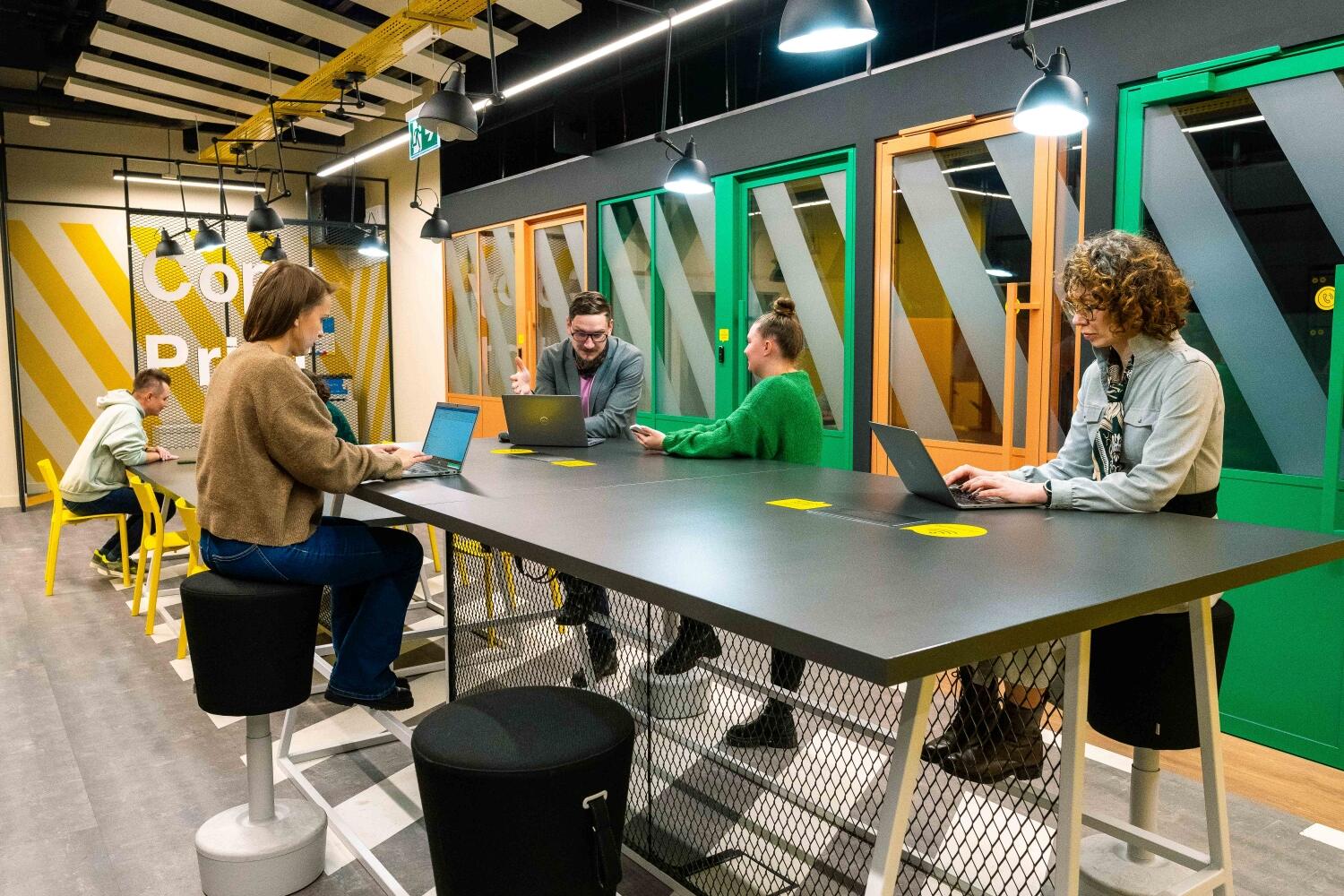
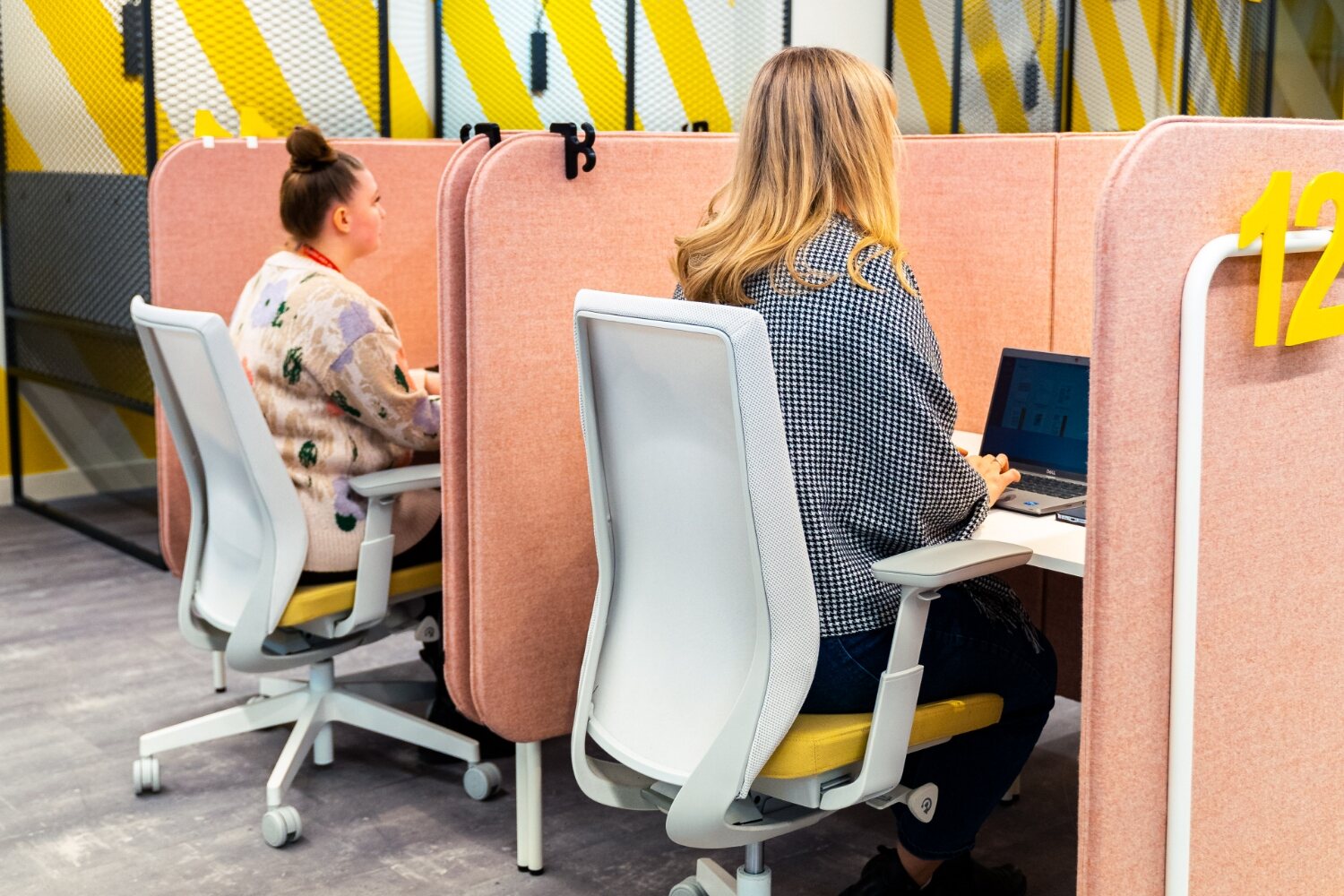
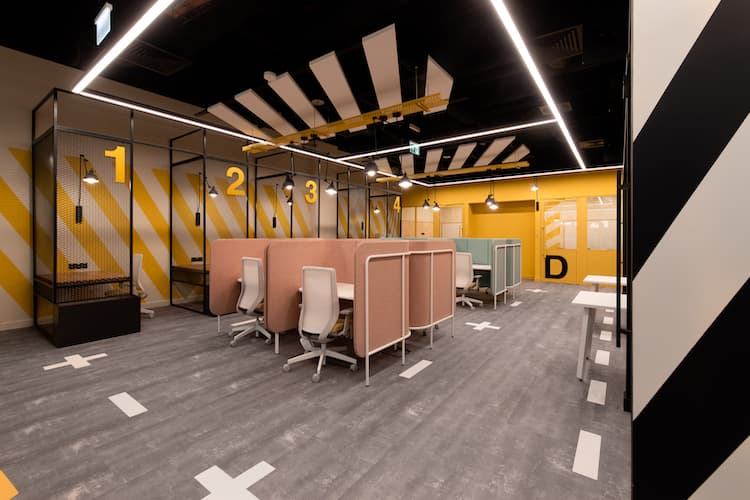
    Check out how much you will enjoy working from here

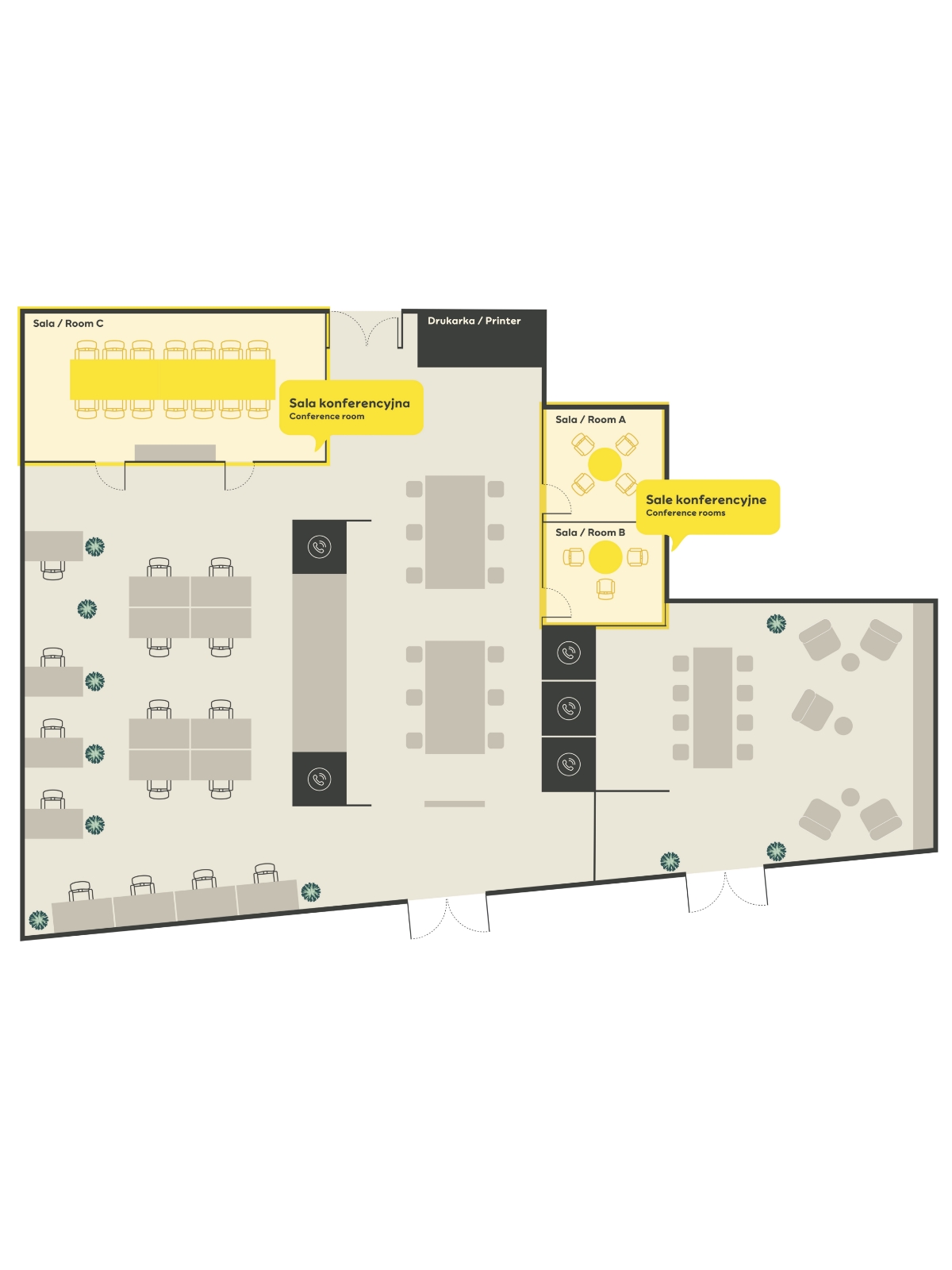
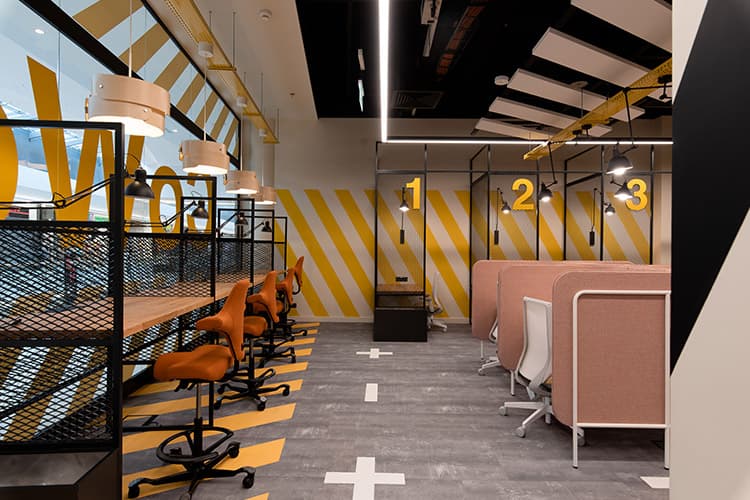
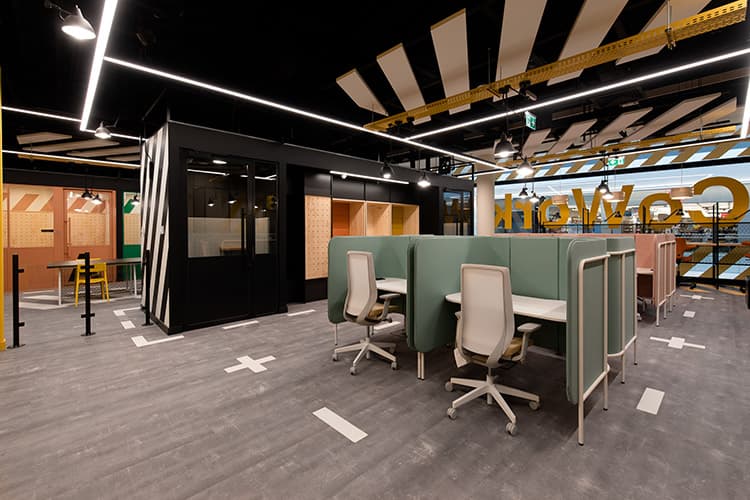
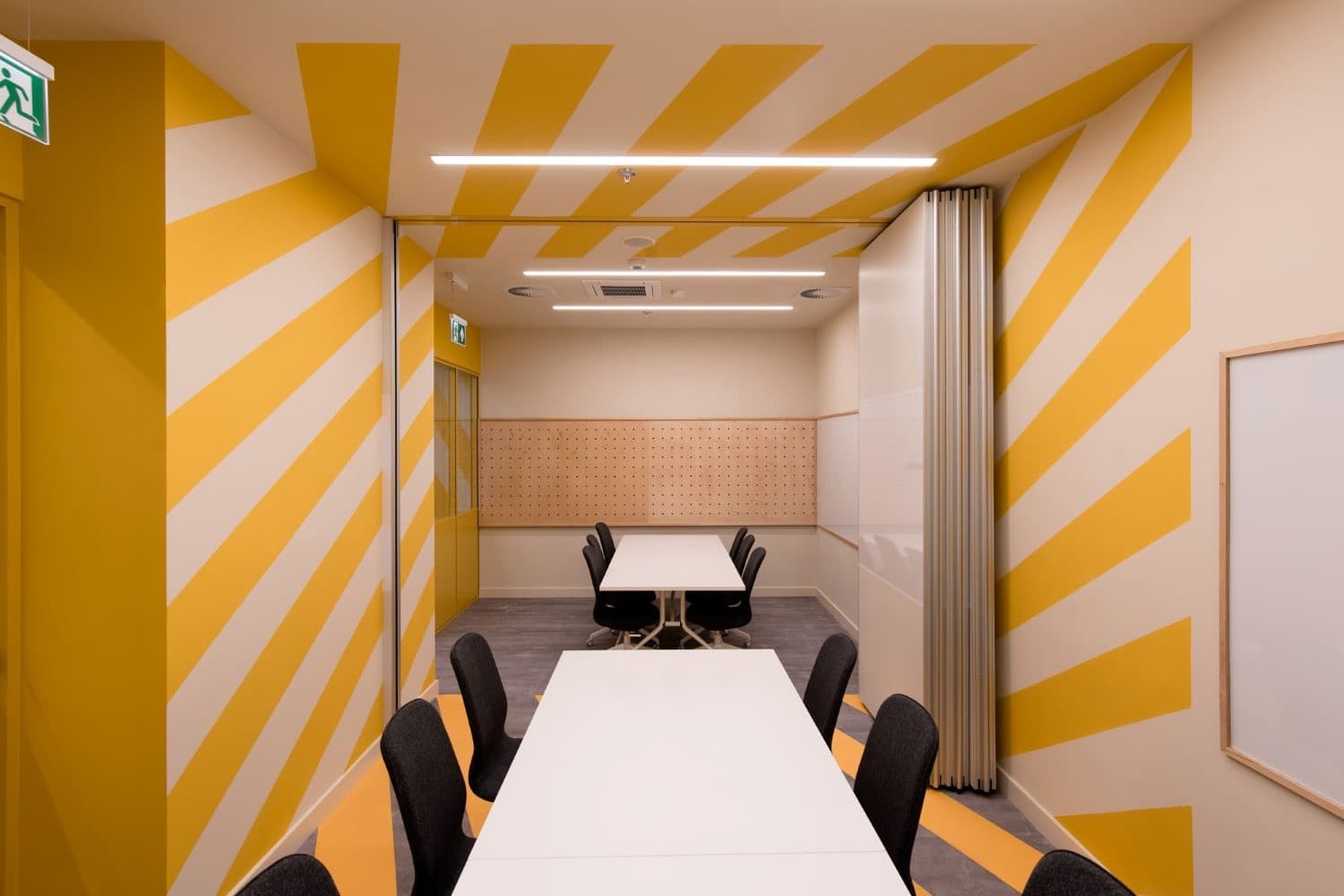
    Are you a remote worker who needs an alternative to a home office? Looking for a place to meet a client or work on the way to an important interview? Check out our CoWork Zone!

    At CoWork you'll also find a chill-out area, a quiet area for phone calls and lockers for your personal belongings. If you get hungry, there is a restaurant area close by, as well as shops where you can do your shopping. There is also free parking and convenient opening hours.

    You are welcome from 7.30am to 9pm on the centre's opening days (closed on non-commercial Sundays).

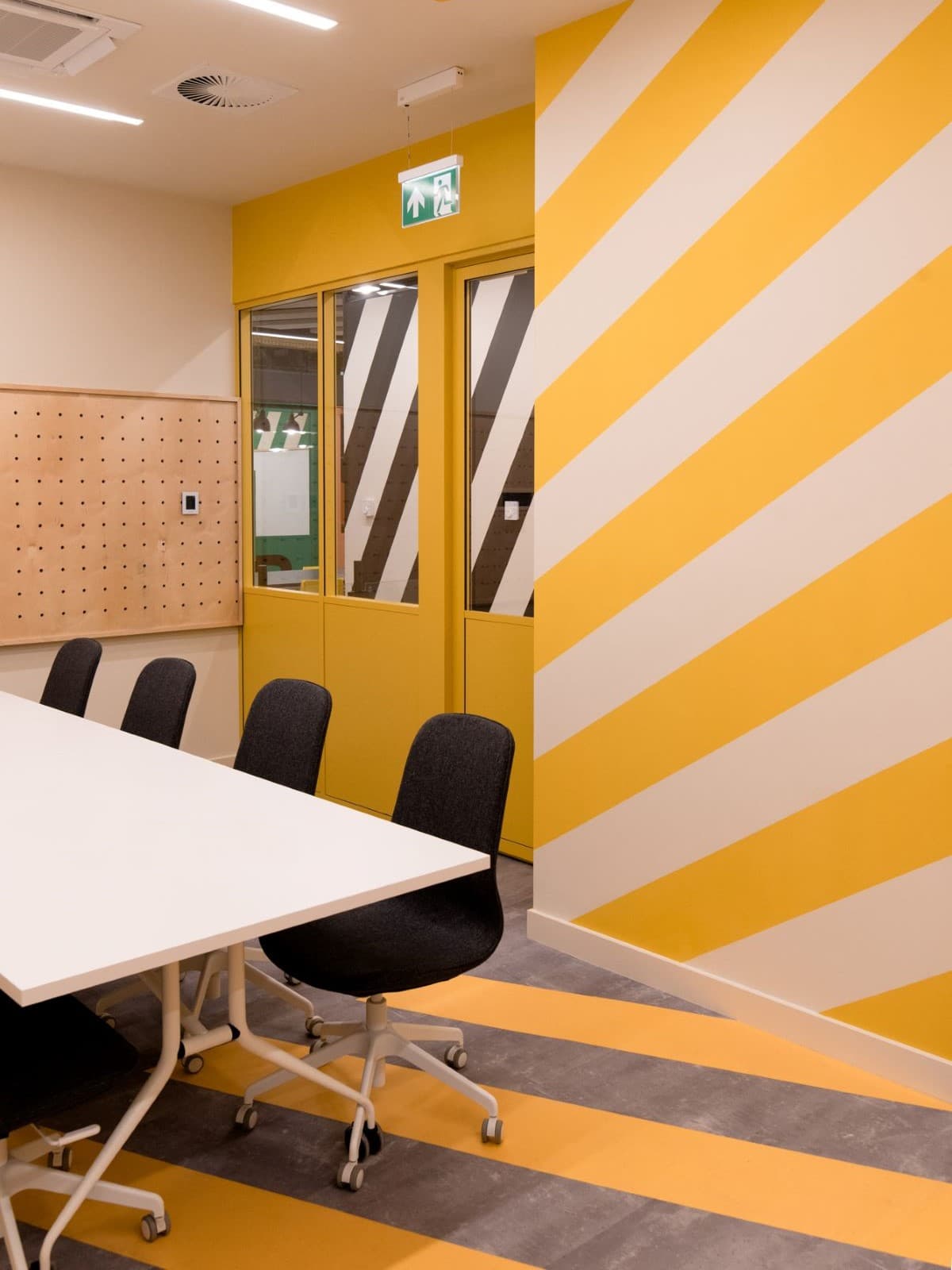
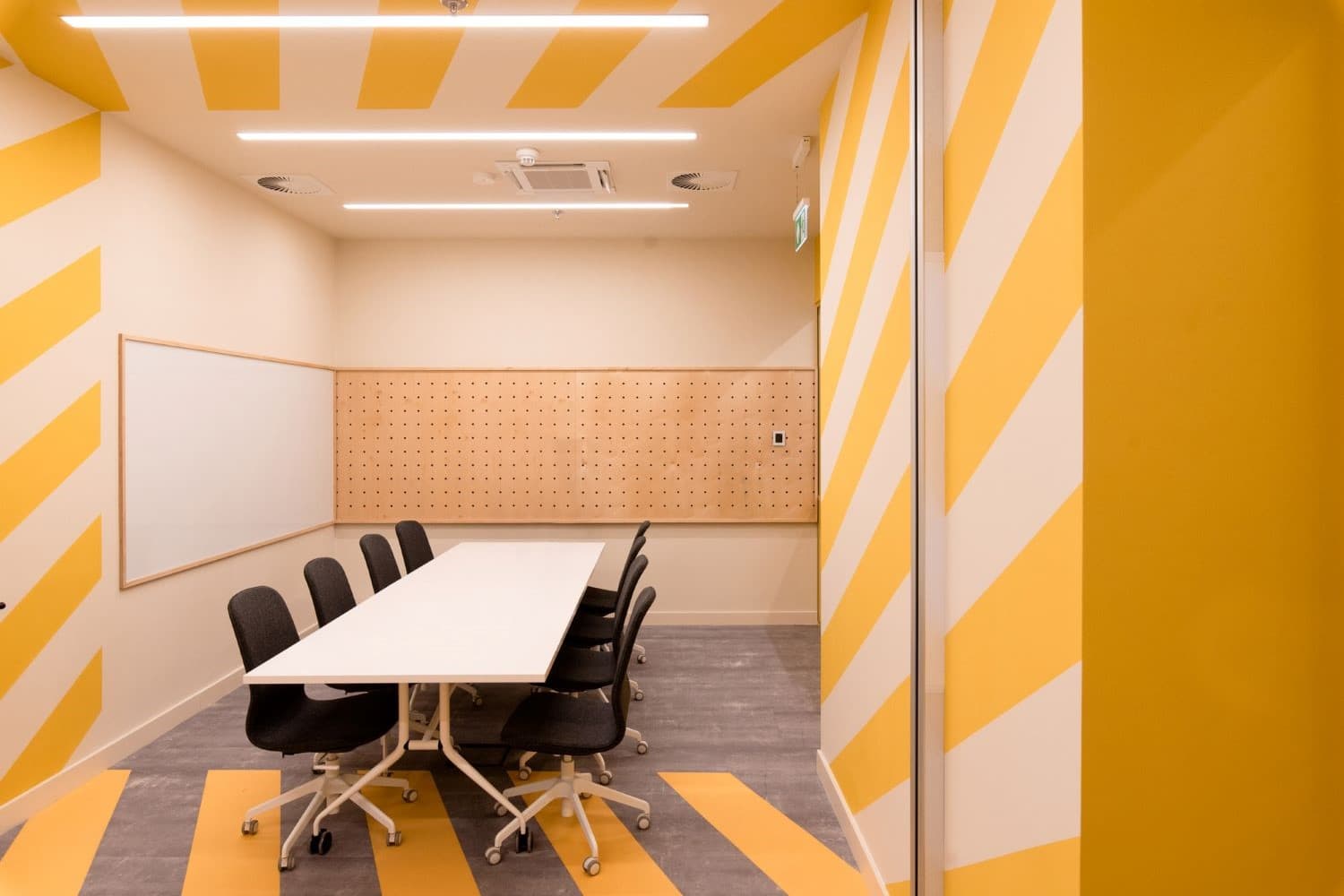
    Book a desk or a conference room or subscribe:

    CoWork zoneConference room

    Guidelines on how to book the CoWork space:

    Step 1

    Select the Hotdesk (desk) tab or Conference Rooms which you wish to book.


    Step 2

    Booking configuration 
    Add the meeting topic in the field “Title” (*optional field)
    Add information about the meeting in the field “Description” (*optional field)


    Step 3

    • indicate your email address and data, create your password

    • add payment card data

    • add data for the invoice (*optional field)

    You will receive  account creation confirmation on your email as well as desk or conference room booking confirmation.